What restaurants in Sweden really need from a digital menu
A digital menu is not only a design question. For restaurants in Sweden, it needs to be fast, easy to update, and clear enough to work during real service.
Many setups look polished in a demo but create friction during daily operations. That is where the real difference appears.
Three criteria that matter most
The strongest solutions help guests start quickly and help the team keep the menu current.
- A fast mobile experience without an app or extra steps.
- A clear menu structure with categories, ingredients, and prices.
- An update workflow that does not depend on reprinting or manual version control.
In-article demo
See how this works in practice
This article is about menu or QR, so the customer demo is the fastest way to understand it.
Live demo
See how ordering works
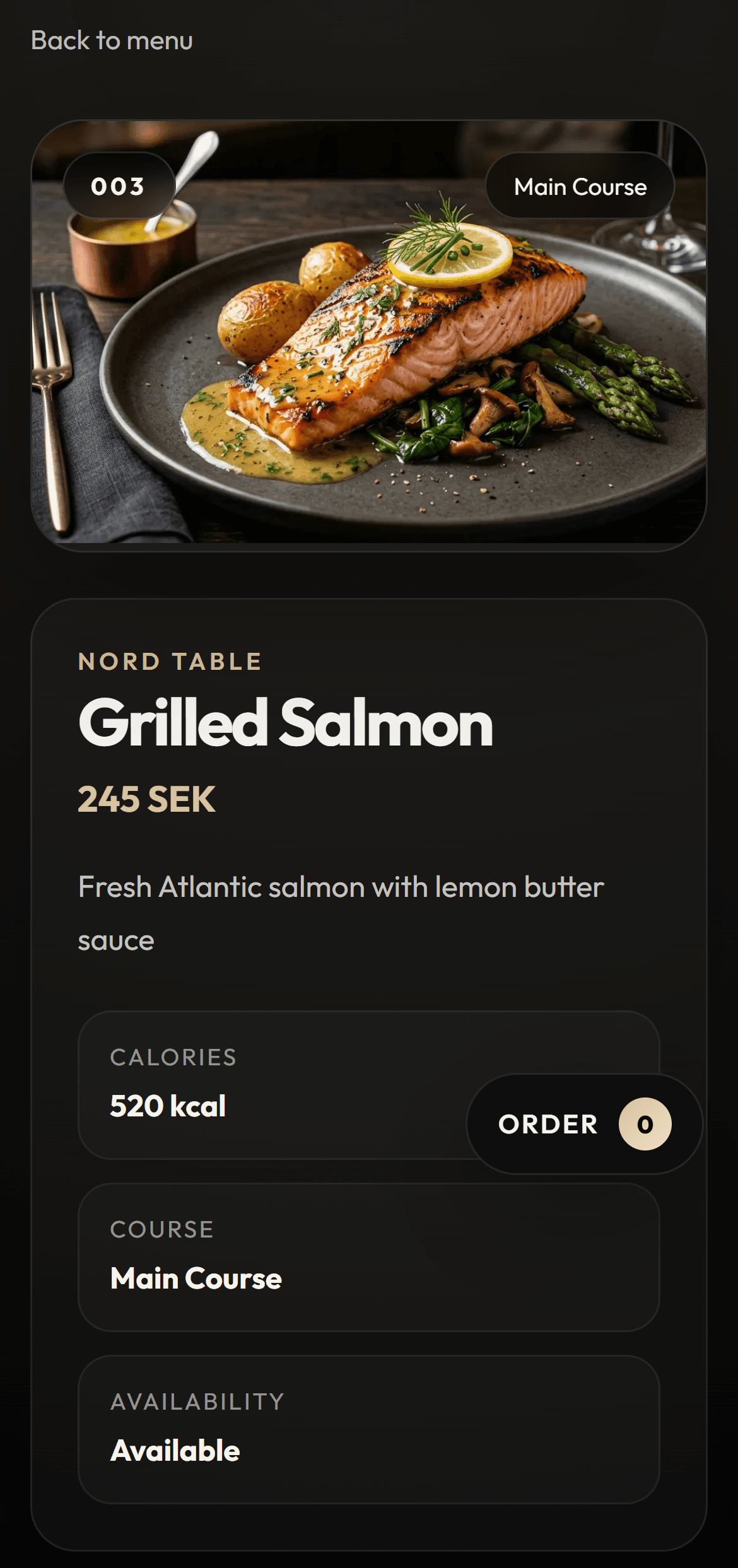
Open the guest view and see how the menu starts directly from the table.
Try how a guest ordersPreview
Guest view
Why this matters in Sweden
Restaurants in Sweden often switch between lunch, dinner, seasonal dishes, and campaigns. That means the menu has to stay easy to adjust without creating more admin work.
At the same time, guests expect a digital experience that feels modern but still simple and business-like.
Bottom line
The best digital menu solution for restaurants in Sweden is the one that improves service speed, keeps updates simple, and makes the guest experience clearer. If it cannot do all three, it quickly becomes another tool to manage.
FAQ
Does a digital menu need built-in ordering from day one?
No. Many venues start with a clearer digital menu and then expand into QR ordering or admin flow later.
Are both Swedish and English important from the start?
Swedish matters most for local SEO and operations, while English is valuable for guests and future growth.
What separates a good solution from a polished demo?
A good solution stays fast on mobile, is easy to update, and genuinely supports both staff and guests during daily service.
Conversion CTA
See how the digital menu works in practice
Move into the main digital menu page to understand the offer clearly. Once it fits, you can book a demo.
Next step
Try the menu experience before you book
Open the customer demo if you want to see how ordering works before taking the next step.
Live demo
See how ordering works
Open the guest view and see how the menu starts directly from the table.
Try how a guest ordersPreview
Guest view