QR menus are about pace, not only technology
More restaurants in Sweden are switching to QR menus because they want guests to move into the menu flow faster without waiting for a paper handoff.
When the menu is already available on the guest's phone, the service journey starts with less friction.
Three reasons show up again and again
- Guests do not have to wait for a menu to arrive.
- It is easier to update dishes and prices when the menu changes.
- The team spends less time on repeated basic menu questions.
In-article demo
See how this works in practice
This article is about menu or QR, so the customer demo is the fastest way to understand it.
Live demo
See how ordering works
Open the guest view and see how the menu starts directly from the table.
Try how a guest ordersPreview
Guest view
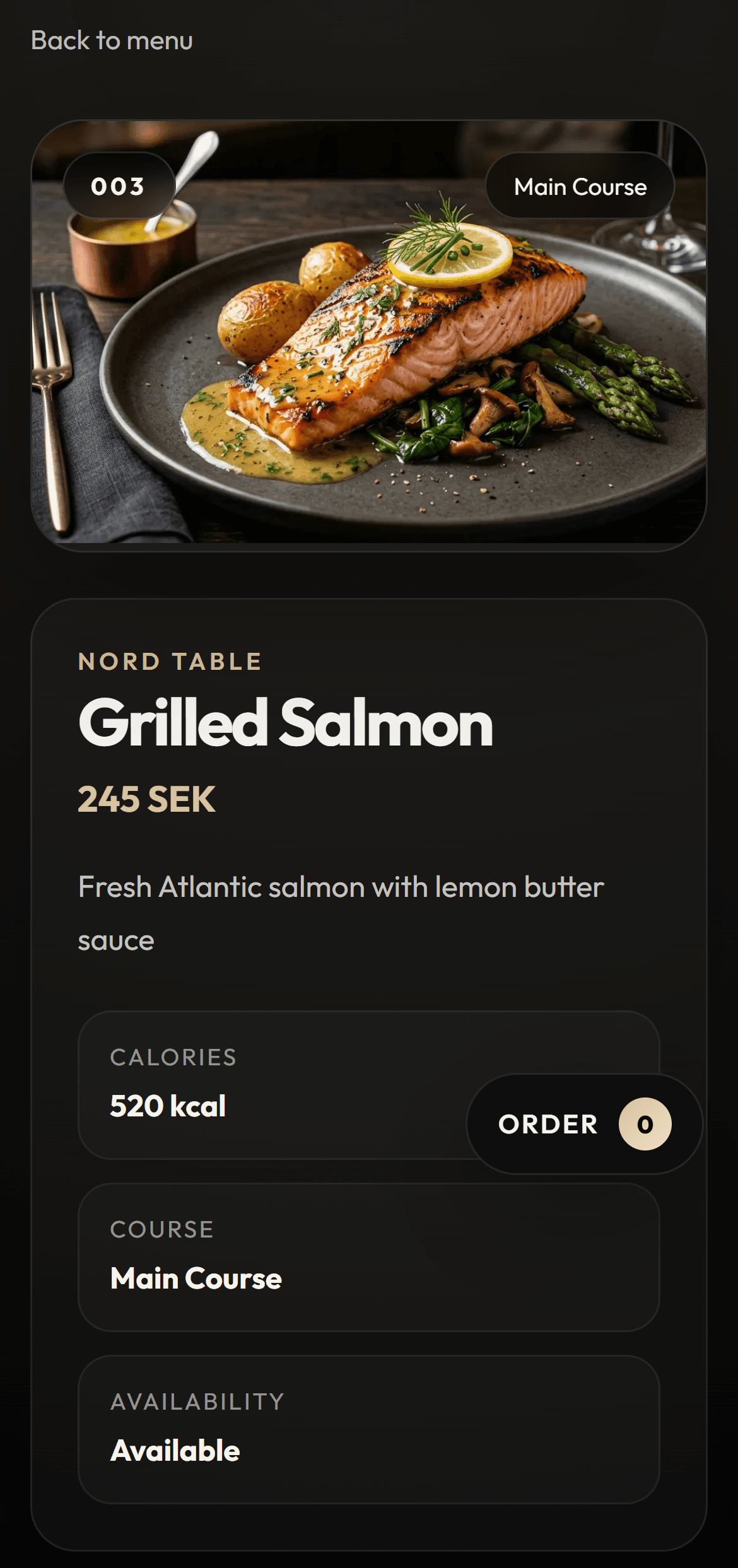
It works best when the flow stays simple
A QR menu only helps when it opens fast and feels easy to use. If the guest lands on a weak mobile view or a heavy PDF, the benefit disappears quickly.
FAQ
Are QR menus only for trendy venues?
No. They are just as useful in practical day-to-day service where the goal is speed and clarity.
What is the main benefit?
For many restaurants, the biggest benefit is simply that guests can start right away instead of waiting for the first step.
Does a QR menu require full digital ordering?
No. It can start as menu access and expand into ordering later when the venue is ready.
Conversion CTA
See how the digital menu works in practice
Move into the main digital menu page to understand the offer clearly. Once it fits, you can book a demo.
Next step
Try the menu experience before you book
Open the customer demo if you want to see how ordering works before taking the next step.
Live demo
See how ordering works
Open the guest view and see how the menu starts directly from the table.
Try how a guest ordersPreview
Guest view