Pressure often comes from unclear information flow
When staff need to move between tables, service stations, and kitchen just to confirm status or clarify orders, the shift quickly becomes heavier than it should.
The issue is rarely that the team works too slowly. The issue is that too many steps are still manual or invisible.
What a clearer ordering system changes
A strong restaurant ordering system connects guest, service, and kitchen in one chain so every step is easier to follow.
- The guest sends a clearer order from the start.
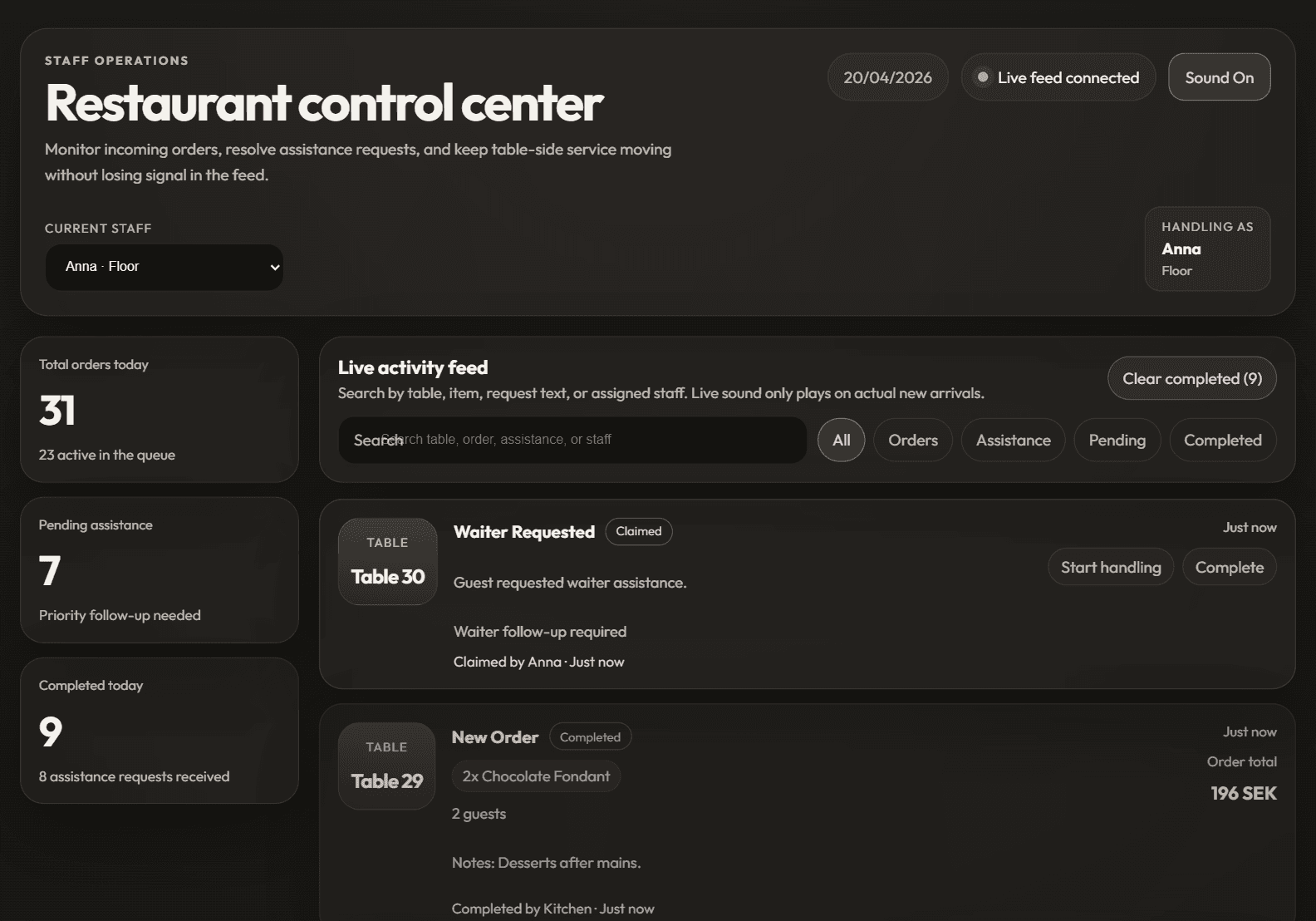
- Service gets a live view of orders and waiter requests.
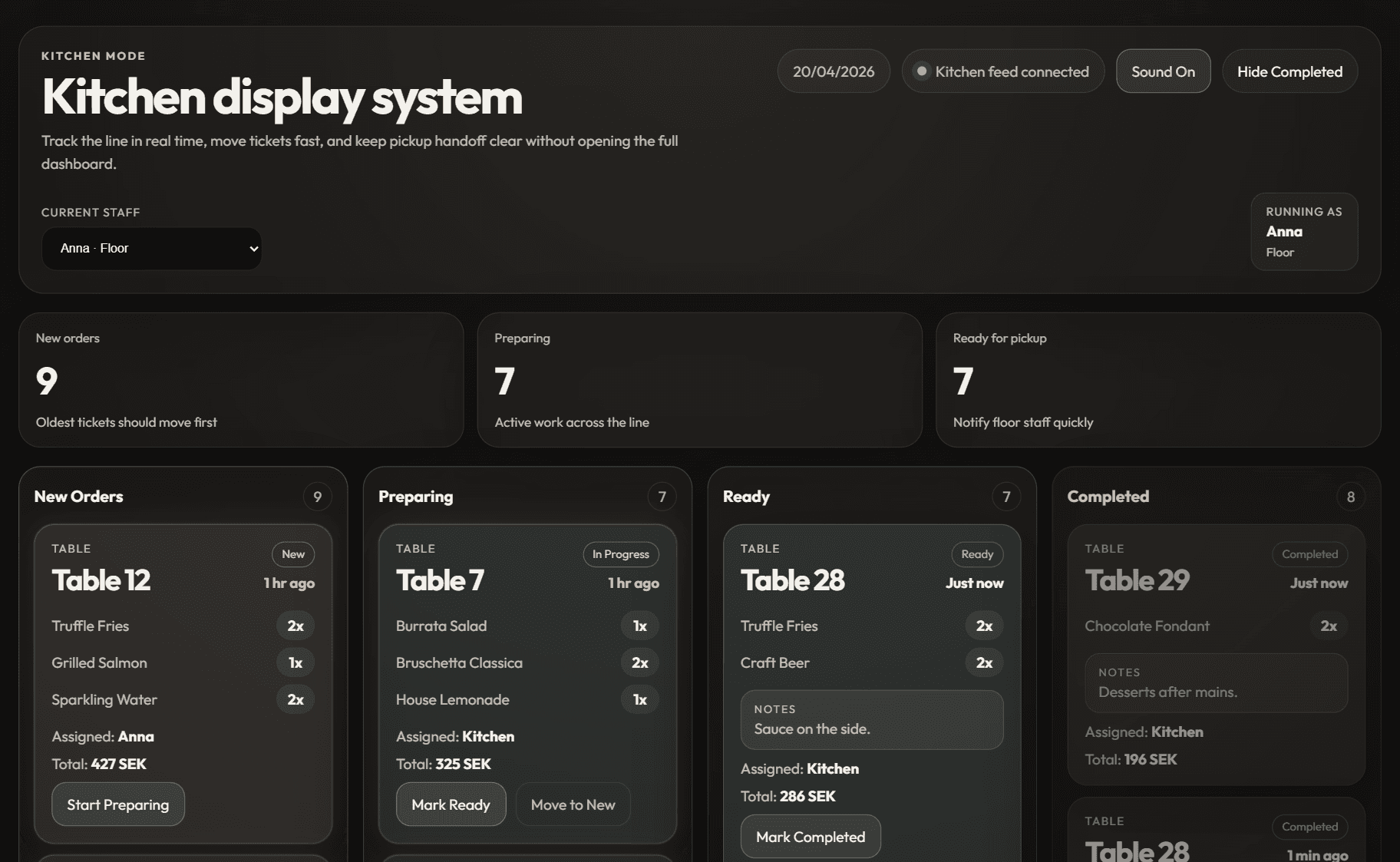
- The kitchen can track what is new, in progress, and ready without extra handoffs.
In-article demo
See how this works in practice
This kind of article is about operations, so it shows admin and kitchen instead of only the guest view.
Order
See how you manage orders
See how orders and service requests are handled when the flow becomes clearer.
See how you manage ordersPreview
Admin dashboard
Kitchen
See how the kitchen receives orders
See how the kitchen receives the next step without extra handoffs.
See how the kitchen receives ordersPreview
Kitchen display
Why this lowers pressure on staff
When order status is clearer and the flow depends less on repeated verbal handoffs, daily interruptions also drop.
That means more focus in the kitchen, less running in service, and fewer corrections later in the shift.
What to evaluate first
Do not only ask whether the system can receive orders. Ask whether it makes the day clearer for the team that has to use it during the rush.
FAQ
Does an ordering system replace staff?
The goal is not to replace service, but to reduce friction so the team can work in a calmer and clearer way.
Can this help smaller venues too?
Yes. A clearer order flow matters even more in smaller venues where every interruption is visible.
Is kitchen mode an important part of the setup?
Yes. Without a clear kitchen view or KDS, the operational value of the wider ordering system stays limited.
Conversion CTA
See how the digital menu works in practice
Move into the main digital menu page to understand the offer clearly. Once it fits, you can book a demo.
Next step
Try the operations flow before you book
Open admin and kitchen live if you want to understand the workflow faster before contacting us.
Order
See how you manage orders
See how orders and service requests are handled when the flow becomes clearer.
See how you manage ordersPreview
Admin dashboard
Kitchen
See how the kitchen receives orders
See how the kitchen receives the next step without extra handoffs.
See how the kitchen receives ordersPreview
Kitchen display